
AI Models Series — Part 2
If you read my last blog on AI model comparison, you already know my opinion:
There is no “best AI model.”
There’s only the right model for the right job.
In that comparison, I called ChatGPT the all-rounder — the tool I keep coming back to even after trying everything else.
So in this post, I’m not going to write a boring “ChatGPT features list”.
I’m going to share something much more useful:
✅ how I actually use ChatGPT every day
✅ the workflows that genuinely save time
✅ and a prompt library you can copy-paste
This is not theory. This is the system I personally follow.
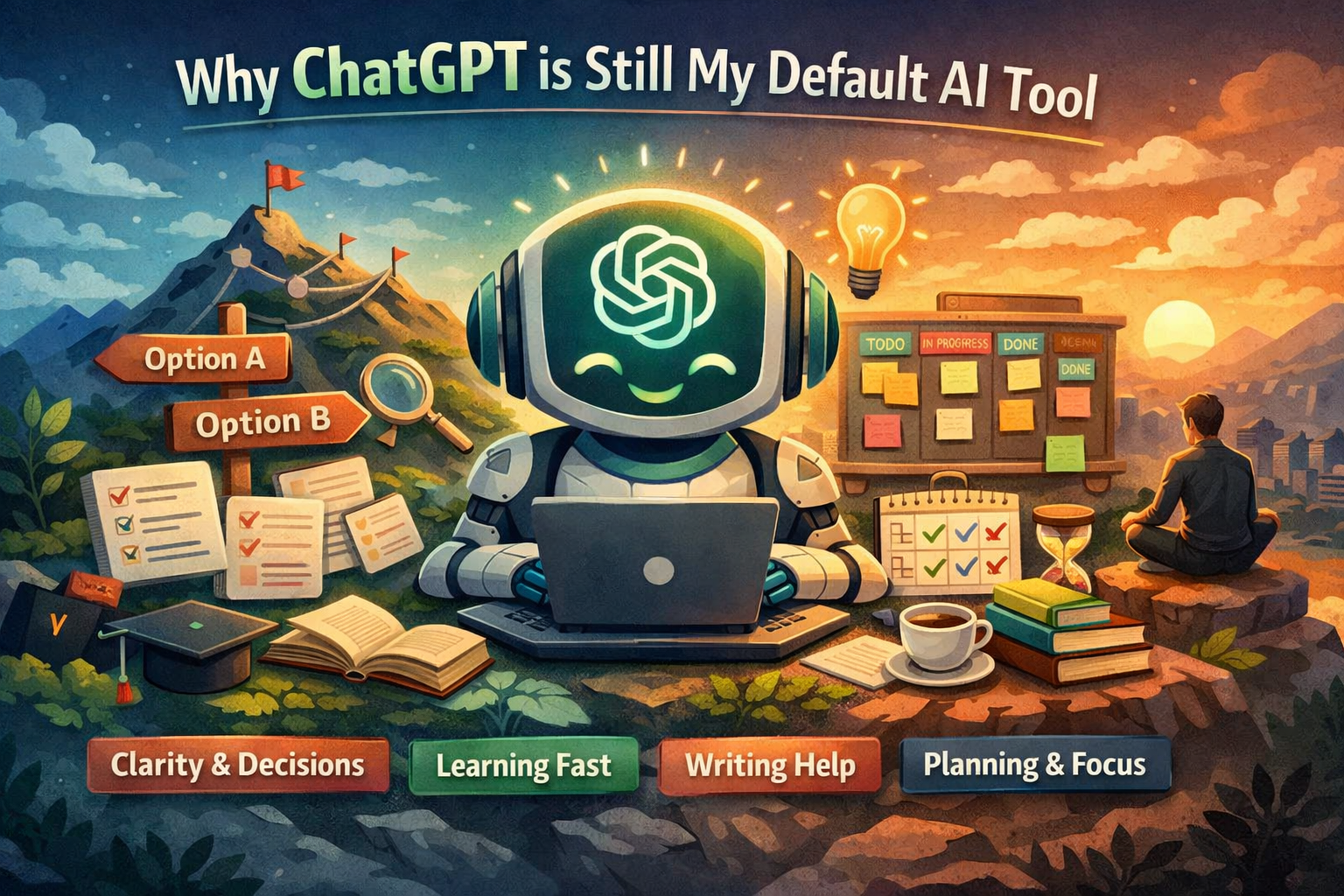
Why ChatGPT is Still My Default AI Tool
ChatGPT feels different from other models for one simple reason:
It’s not just good at giving answers — it’s good at thinking with you.
Some AI tools feel like calculators.
ChatGPT feels like a thinking partner.
And that matters because in real life, most problems don’t start with a clean question.
Most times, it’s like:
“I’m confused.”
“I have 5 ideas.”
“I don’t know what’s best.”
“Something is stuck.”
That’s where ChatGPT shines.
My 6 Daily ChatGPT Use Cases
Here are the exact buckets where ChatGPT consistently saves me time.
1) Clarity & Decision Making
When I’m stuck between choices, I don’t just want “advice”.
I want someone to break down the decision logically.
What I use it for
choosing between product features
deciding what to build next
comparing approaches (fast vs scalable, MVP vs full)
hiring/intern tasks delegation
Prompt
I’m confused between option A and option B.
Here’s my situation: [context].
Break this down logically, ask me the right questions, and recommend the best option based on impact + effort + long-term value.
This is the prompt that feels like a cheat code.
2) Turning Messy Thoughts Into Structure
This is honestly one of ChatGPT’s strongest powers.
We all have moments where our thoughts are like:
“Bhai dimaag me sab kuch hai but order me nahi hai.”
ChatGPT helps convert that chaos into:
clear bullet points
structured plan
strategy doc
roadmap
Prompt
Here’s a messy dump of thoughts. Convert it into a clean structure with headings, steps, and priority order.
Also tell me what I’m missing.
3) Learning Complex Things Faster
If you’re a student or developer, you already know:
YouTube videos are long.
Docs are confusing.
And Google search results are chaos.
ChatGPT shortens this journey massively.
What I use it for
AWS concepts
system design
model deployment workflows
React/FastAPI debugging
understanding research papers
Prompt
Explain [topic] like I’m smart but busy.
Give the simplest correct explanation + a real-world example + common mistakes.
Simple. Powerful.
4) Writing: Blogs, LinkedIn, Docs
ChatGPT isn’t just a “content generator”.
If you use it properly, it becomes a writing assistant.
It helps you:
organize your voice
make writing flow better
turn a basic idea into an engaging story
Prompt
I’m writing a blog in a human tone (not robotic).
My audience is [students/developers/founders].
Here’s my core message: [message].
Draft the blog with emotion + clarity + practical value.
5) Planning Execution (Roadmaps & Sprints)
This is where ChatGPT becomes your project manager.
When I have something big to build, I ask ChatGPT to convert it into:
milestone plan
week-wise roadmap
task breakdown
risk checklist
Prompt
I want to build [project].
Convert it into a 4-week roadmap with milestones, daily tasks, risks, and a realistic MVP-first execution plan.
This saves hours of planning.
6) Personal Productivity & Mental Reset
This is underrated.
Sometimes you don’t need answers.
You need clarity.
When I’m overwhelmed, I use ChatGPT to:
prioritize tasks
simplify my day
reduce mental noise
Prompt
I feel overwhelmed.
Here’s what’s on my mind: [list].
Help me prioritize and give me a simple plan for today.
It’s like journaling — but guided.
My Copy-Paste Prompt Library (The Best Ones)
Here are prompts you can literally copy and use right now.
✅ For clarity
Ask me 5 questions to understand my problem deeply, then give the best solution.
✅ For decision making
I need to choose between A and B. Compare them based on time, risk, impact, growth potential, and give a final recommendation.
✅ For planning
Create a step-by-step plan to achieve [goal] in [time]. Keep it realistic.
✅ For productivity
Create my schedule for today based on these tasks: [tasks]. Optimize for deep work.
✅ For debugging
I’m facing this bug: [error]. Here’s my code: [code]. Diagnose possible causes and give fixes step-by-step.
✅ For writing
Rewrite this in a human tone, emotional but not dramatic. Keep it simple and engaging: [text].
✅ For learning
Teach me [topic] from scratch. Start simple, then gradually go advanced. Give examples.
Mistake Most People Make With ChatGPT
Here’s the biggest mistake:
People ask ChatGPT like a search engine.
They type:
“give me answer”
And then complain:
“AI is generic.”
But the real power comes when you treat ChatGPT like:
✅ a thinking assistant
✅ a mentor
✅ a structured brain
The more context you give, the better it becomes.
When NOT to Use ChatGPT
Being honest here — ChatGPT is amazing, but not perfect.
If I want:
deep coding with long context → I often use Claude
visuals/image/video → Gemini wins
cinematic prompts & visual brainstorming → Gemini
ChatGPT is best when:
you need thinking, clarity, planning, writing, reasoning.
Final Thoughts
ChatGPT is not just an AI tool.
For me, it’s like:
a second brain that keeps my thoughts organized, focused, and moving.
If you’re new to using AI, start here.
If you’re already using AI, start using it smarter.
Because the real advantage isn’t AI itself.
The advantage is:
✅ how you work with it
✅ how you prompt it
✅ how you use it consistently